
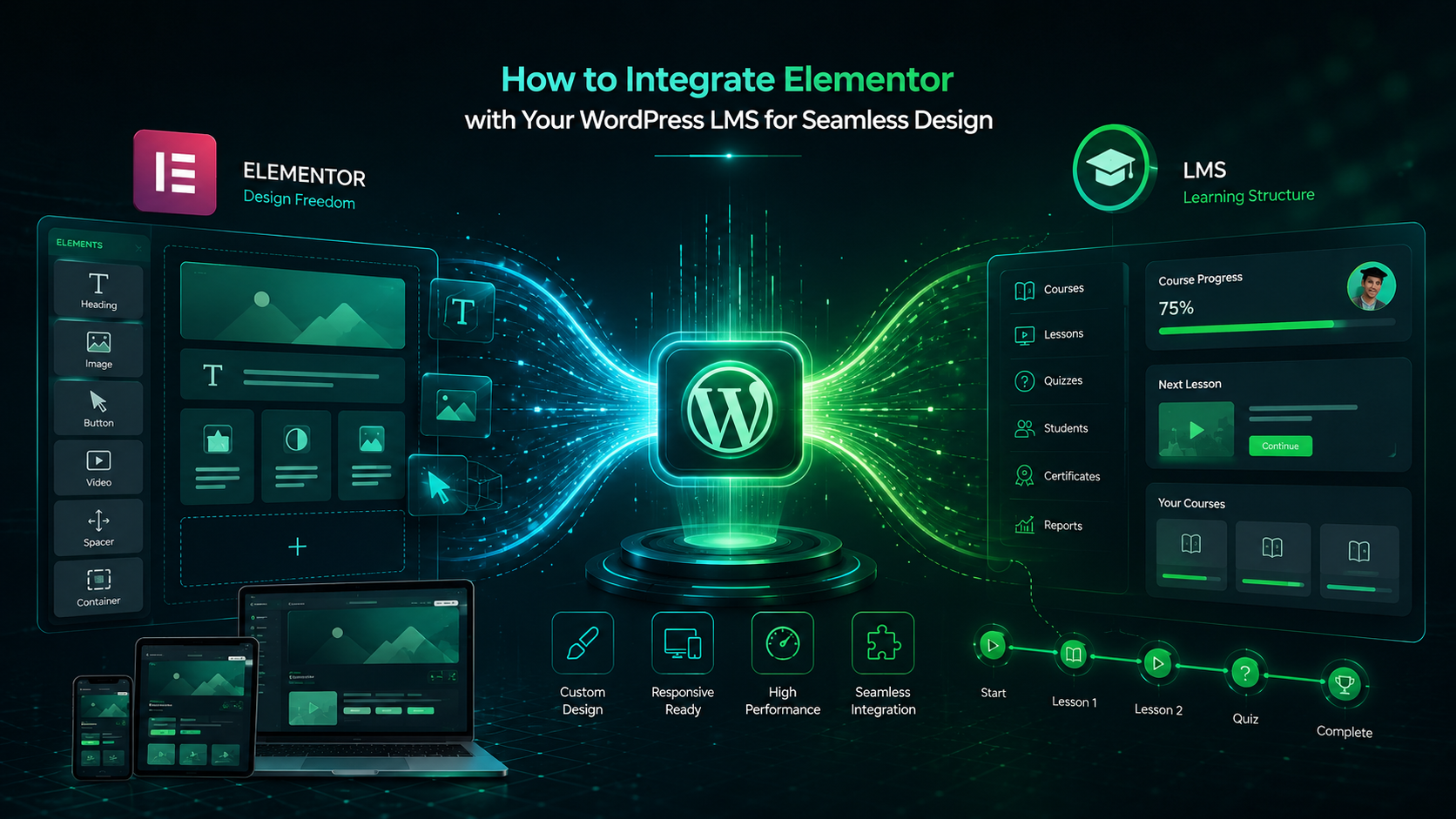
When building an online course, your WordPress LMS plugin governs the backend logic enrollments, content gating, and progress tracking. However, your user interface dictates learner completion rates. Fragmented navigation and rigid layouts frustrate students, leading to dropouts.
Elementor unlocks complete layout flexibility without breaking core LMS functionality. This guide outlines how to integrate Elementor with your WordPress LMS to build a seamless, brand-aligned learning experience.
Why Pair Elementor with Lenxel LMS?
Standard WordPress LMS setups lock your content into fixed, theme-dependent layouts. Elementor removes these constraints by introducing direct frontend design control.
When paired with a developer-friendly plugin like Lenxel LMS, you gain distinct operational advantages:
- Global Dynamic Templates: Design a single layout for your course directory or individual lessons, and apply it sitewide automatically.
- Unified “Continue Learning” Hubs: Eliminate friction by designing dedicated landing grids where returning students instantly resume their exact lesson progress with a single click. (For a deeper dive, read our guide on building learner progress tracking into a WordPress LMS).
- Conversion Optimization: Create high-converting checkout landing pages directly integrated with WooCommerce.
- Unified Dashboards: Build customized instructor profiles and learner management panels using drag-and-drop widgets.

Designing the Perfect Layout for Your WordPress Coaching Plugin
For coaches, an online presence needs to do more than just deliver information it needs to sell a transformation. If you are using Lenxel as your WordPress coaching plugin, pairing it with Elementor allows you to build a premium, high-converting environment for your clients.
With Elementor’s visual builder, you can design stunning landing pages tailored specifically to sell your coaching programs. You can highlight client testimonials, embed introductory video messages, and create clear pricing tiers for 1-on-1 or group coaching offers. Once a client enrolls, Lenxel handles the backend delivery. You can design a sleek, private client dashboard where they can access gated coaching materials, download worksheets, replay recorded sessions, and track their personal progress in a beautifully branded space.
Step-by-Step Integration Workflow
Setting up Elementor to work alongside your LMS requires precise configuration to prevent page builder styles from conflicting with core learning templates.
Enable Post Type Support: By default, Elementor only activates for standard WordPress posts and pages. Because professional platforms use custom ecosystems, you must manually authorize the builder.
- Navigate to Elementor > Settings.
- Under the General tab, locate Post Types.
- Check the boxes for Courses and Lessons (alongside your custom
blogtype). - Click Save Changes.

Configure Lenxel Template Overrides: Lenxel LMS respects the native WordPress template hierarchy. To design custom lesson interfaces:
- Open a lesson or course in the WordPress editor.
- In the right-hand settings panel under Page Attributes, switch the template from Default Template to Elementor Full Width or Lenxel Canvas.
- Click Edit with Elementor to begin styling.
Maintain Clean Rest API Architectures (Pro-Tip)
Developer Note: When building layout templates with Elementor, avoid leaving default drafts active in your database. Elementor frequently generates temporary placeholder posts (e.g., "Elementor #546"). Clean these out of your trash or assign clear slugs, ensuring your backend automated data pipelines and REST API endpoints remain completely clean.
Core Design Best Practices for eLearning
A beautiful page that loads slowly will alienate students. Follow these strict performance and UX guardrails when editing course templates:
Leverage Global Design Systems
Do not style elements individually. Define your brand’s primary colors, accent tones, and typography schemas under Elementor Site Settings. When you update a global color, your change applies instantly across every course card and lesson module, keeping your application visually cohesive.
Prioritize Asset Optimization
Elementor pages can grow heavy if left unchecked.
- Compress all course cover graphics using modern
.webpformats. - Never upload video lectures directly to your WordPress media library; host them via Vimeo or AWS, and embed them using Elementor’s dedicated Video widget.
- Limit deep entrance animations on critical lesson text to preserve scrolling speeds on older mobile devices.
Design for Mobile-First Learning
More than half of online learners access course materials via mobile devices. Elementor provides viewport-specific breakpoints to tailor the mobile experience seamlessly.
- Adjust Typography and Padding: Scale down heading sizes and remove excessive padding to ensure core features like the “Continue Course” section remain fully responsive on mobile and tablet views.
- Optimize Touch Targets: Ensure functional buttons (like “Add to Cart” , “Course Completed” or Continue Course”) are large enough and spaced appropriately for touchscreens.
Prevent Canvas Bleed
Ensure that tracking bars, “Mark Complete” headers, and side navigation menus stay locked within the viewport. Utilize Elementor’s modern Flexbox Containers instead of legacy rows and columns to achieve perfectly centered text block alignments.

Conclusion
Integrating Elementor with Lenxel LMS bridges the gap between deep structural learning metrics and elite frontend presentation. It allows you to package your specialized industry knowledge within an interface that looks, feels, and performs like a custom SaaS application.
Ready to optimize your platform design? Launch your next course layout using Lenxel’s native template hooks paired with Elementor’s visual builder to customize every step of your learner’s journey.
Get Started with Lenxel LMS Today
Have questions about integrating Lenxel with your existing tech stack? Contact our team. We are here to help!
Start Using Lenxel LMS
Take your online courses to the next level

 Watch Tutorial